VelaUX RBAC
VelaUX roles decide what each user can see and do in the UI and the API. A role is a set of permissions, and is either platform scope (applies everywhere) or project scope (applies inside one project).
By default vela-core runs as cluster-admin, so anyone who can create an Application can create anything in any cluster KubeVela manages. Turn on authentication.enabled to apply each Application with its submitter's permissions.
By default VelaUX reaches Kubernetes as its own service account, and VelaUX roles are the only check. Turn on impersonation to have Kubernetes RBAC apply to each user too.
Built-in permissions
A permission allows or denies a set of actions on a set of resources. VelaUX ships these.
Platform scope:
| Permission | Resources | Allows |
|---|---|---|
| Admin | * | Everything. |
| Cluster Management | cluster:*/* | Add, change and remove clusters. |
| Project Management | project:* | Create, change and delete any project. |
| Project List | project:* | List every project (list only). |
| Addon Management | addon:*, addonRegistry:* | Enable and disable addons, and manage addon registries. |
| Target Management | target:*, cluster:*/namespace:* | Manage delivery targets and their namespaces. |
| User Management | user:* | Manage users. |
| Platform Role Management | role:*, permission:* | Manage platform roles and permissions. |
| Config Management | config:*/* | Manage platform configs. |
| Disable CloudShell | cloudshell | Denies CloudShell. |
Project scope, where {projectName} is the project the role belongs to:
| Permission | Resources | Allows |
|---|---|---|
| Project View | the project and its configs, providers, roles, members, permissions, environments, applications and pipelines | Read them (detail and list only). |
| App Management | project:{projectName}/application:*/* | Manage the project's applications. |
| Environment Management | project:{projectName}/environment:* | Manage the project's environments. |
| Role Management | project:{projectName}/role:*, project:{projectName}/projectUser:*, project:{projectName}/permission:* | Manage the project's roles, members and permissions. |
| Config Management | project:{projectName}/config:*, project:{projectName}/provider:* | Manage the project's configs and cloud providers. |
| Pipeline Management | project:{projectName}/pipeline:*/* | Manage the project's pipelines. |
Built-in roles
| Role | Scope | Permissions |
|---|---|---|
| Admin | platform | Admin. |
| App Developer | project | Project View, App Management, Environment Management, Config Management, Pipeline Management. |
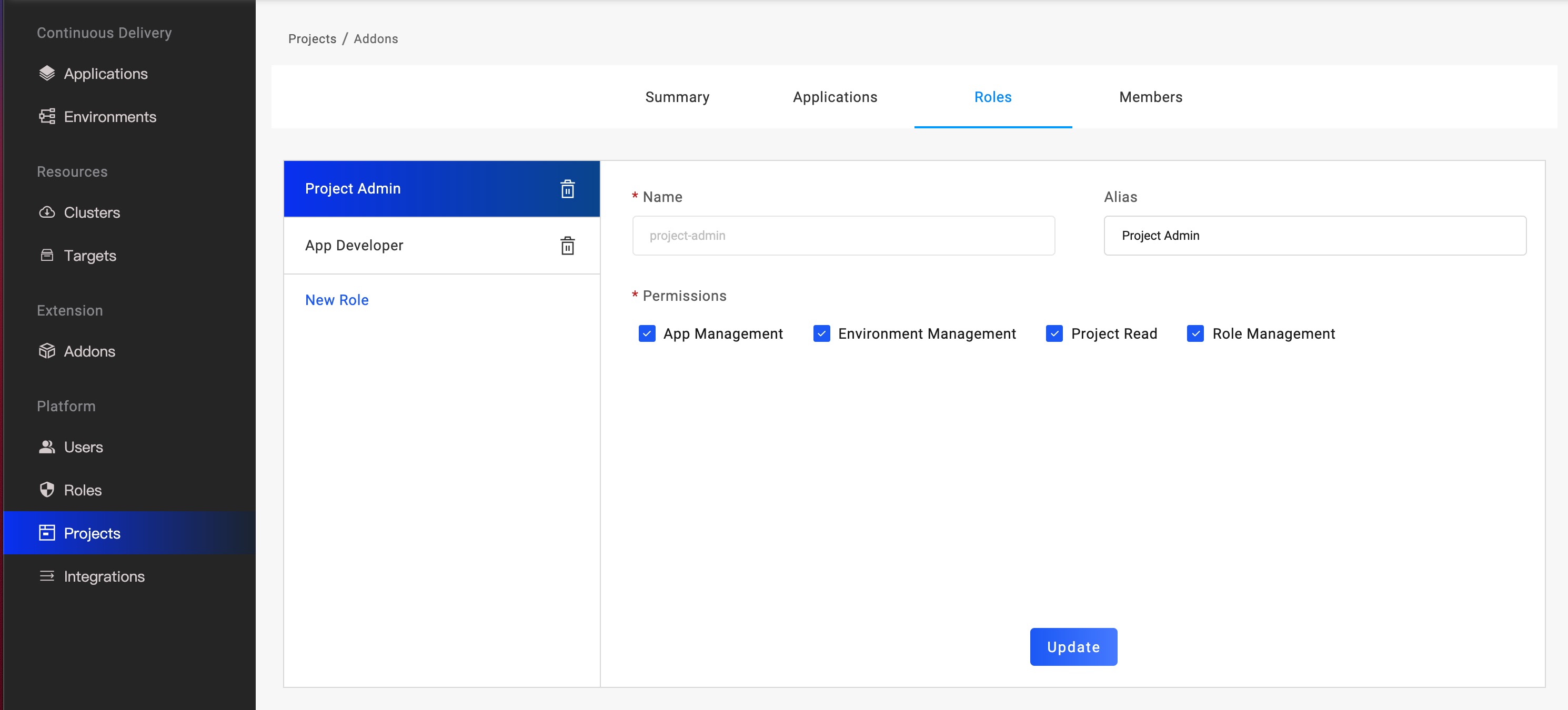
| Project Admin | project | Everything App Developer has, plus Role Management. |
| Project Viewer | project | Project View. |
Every new project gets its own App Developer, Project Admin and Project Viewer roles, and its owner is a Project Admin.
Custom roles
You can add roles for the platform or for a project to fit your teams.
Platform scope roles
Go to Admin Dashboard > Platform Roles to see all platform scope roles.
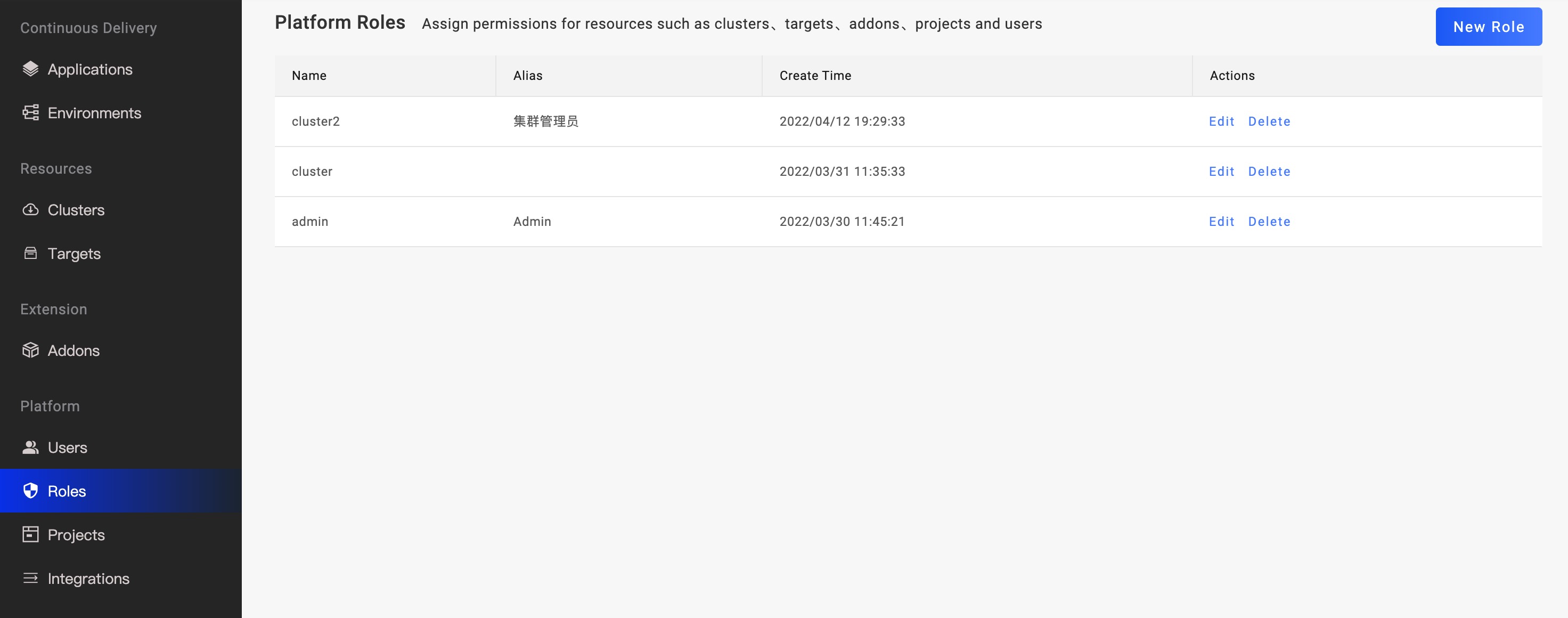
Click New Role, fill in the role's name, alias and permissions, and click Create.
Project scope roles
Open the project's details page, from the project list if you can list projects, or from one of its applications if not.
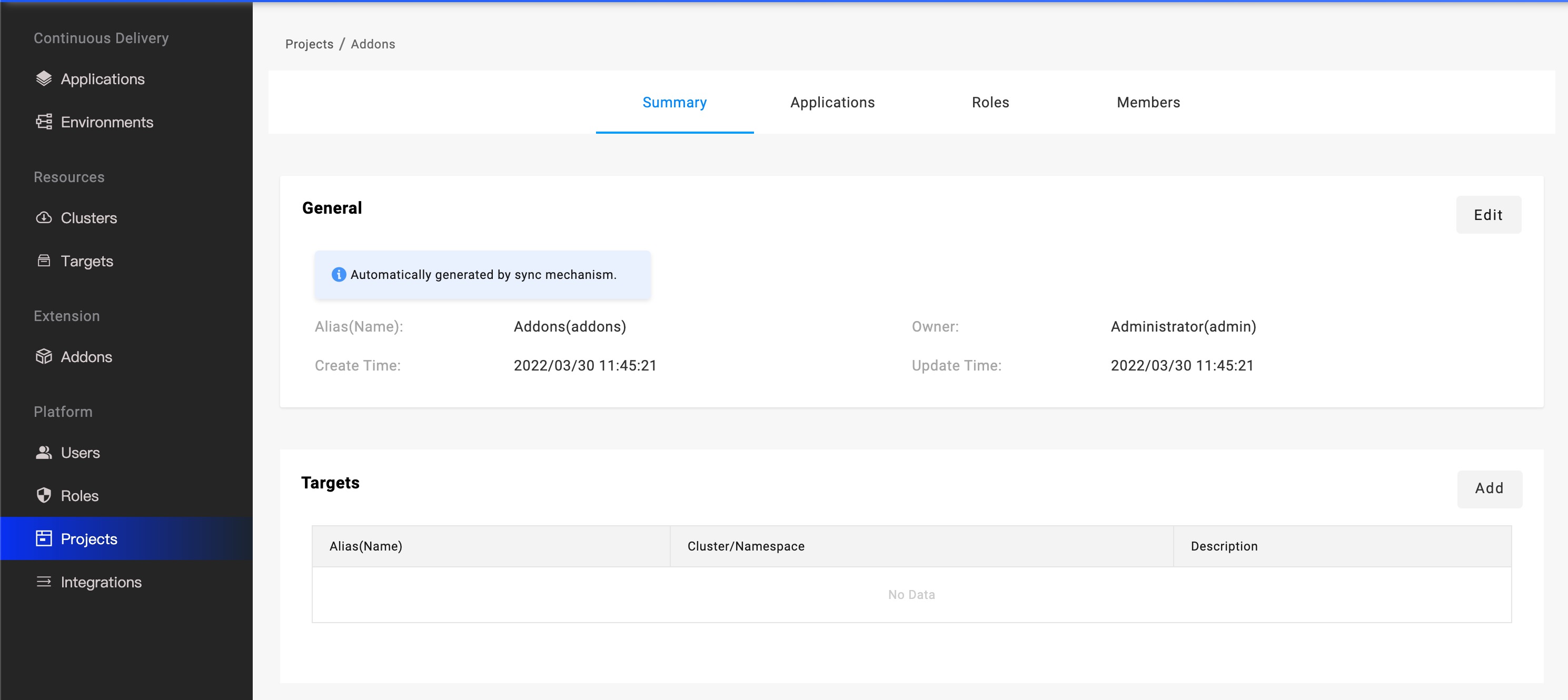
Switch to the role management page to add or change the project's roles.
Bind roles to users
- Platform scope roles are bound to users on the user management page. A user can have several.
- Project scope roles are bound on the project's member page, when you add a user to the project or change an existing member's roles.
Working with Kubernetes RBAC
To have Kubernetes check each user as well, turn on impersonation in the velaux addon:
vela addon enable velaux enableImpersonation=true
VelaUX then calls Kubernetes as the logged-in user, in the group of the project the request is for (kubevela:project:<project>), so you can restrict what each user and project can do in the cluster with Kubernetes RBAC.